At BoloSign, we envision a future where the complexities of document management and signing dissolve into seamless, secure digital workflows accessible to every small business and individual. We are committed to redefining how agreements are made, fostering agility and trust through cutting-edge technology.
Our mission is to empower businesses with state-of-the-art electronic signature solutions that marry simplicity and compliance, enabling teams to collaborate effortlessly and accelerate growth beyond traditional paperwork constraints. Through robust integrations and AI-infused innovations, we build tools that are not only powerful but profoundly transformative.
By harnessing the latest in AI technology and compliance rigor, BoloSign is shaping a future where secure, efficient digital transactions drive the momentum of enterprises worldwide, empowering every team member to focus on what truly matters—their business and their vision.
Our Review
When we first stumbled across BoloSign, we'll admit we were skeptical. Another e-signature platform in 2023? But after digging deeper, we found a company that's actually tackling some real pain points for small businesses—and doing it with a refreshingly straightforward approach.
The Google Forms Game-Changer
Here's where BoloSign caught our attention: they've built seamless integration with Google Forms. If you've ever tried to collect signatures through Google Forms, you know it's been a clunky workaround at best. BoloSign bridges that gap beautifully, letting you turn any Google Form response into a legally binding signature—automatically saved to your Google Drive and Sheets.
For small businesses already living in the Google ecosystem, this feels like a no-brainer. We tested it ourselves, and the workflow is genuinely smooth.
Fixed Pricing That Makes Sense
The unlimited everything approach is bold. For $8/month (or $60/year), you get unlimited signatures, unlimited users, and unlimited documents. Most competitors nickel-and-dime you on each of these features separately.
We ran the numbers: if you're sending more than 5-10 documents monthly, BoloSign's pricing beats most alternatives. It's particularly compelling for teams that don't want to worry about hitting usage limits.
What's Actually Impressive
Beyond the pricing model, we were surprised by the compliance depth. For a company founded just last year, they've checked all the major regulatory boxes—ESIGN Act, eIDAS, UETA, and several others. That's not trivial for a startup to achieve.
Their NVIDIA Inception Program membership also signals they're thinking about AI integration seriously, though we haven't seen much of that functionality rolled out yet.
The Reality Check
BoloSign is clearly built for small businesses and freelancers who want simplicity over enterprise bells and whistles. If you need advanced workflow automation or complex approval chains, you'll probably outgrow it quickly.
We also noticed the limited public information about their team and funding—typical for a young company, but something to keep in mind if you're betting your business processes on their platform long-term. Still, for the right use case, BoloSign delivers solid value without the usual e-signature headaches.
Features
Unlimited eSignatures
Form Builder for business forms
Template Management
Team Collaboration with role assignment
Mobile and Web Apps
Integration with Google Forms
Developer API for custom workflows
Compliance with international e-signature laws and data security standards
FAQs
Ploy was founded in 2024.
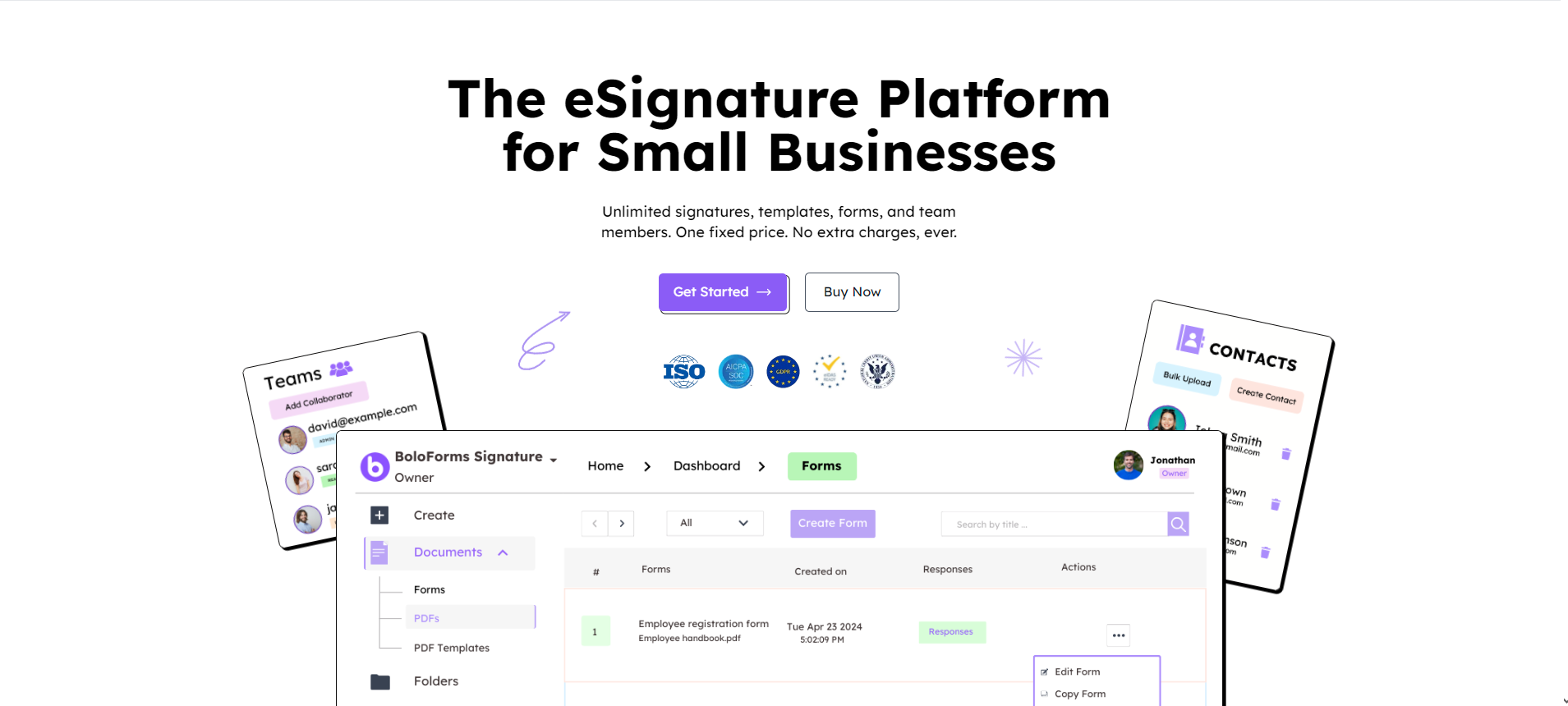
BoloSign is a cloud-based eSignature tool that enhances user experience with seamless signature integration on forms and PDFs. Users can add signatures to documents by dragging and dropping elements and sending signature requests to multiple recipients. Use premade templates or customize your own for a personal touch. The software also provides features like real-time status updates, version control, customizable emails, and signing options such as drawing, uploading an image, or typing text. Manage all businesses under one single dashboard by creating multiple workspaces inside BoloForms. The Zapier and API integrations help connect to any desired app and can automate the workflow. Use API key generation and webhooks to share data between platforms. The form builder in BoloForms is easy to use. Create forms in different styles and themes to suit your brand. Map the responses to the PDF to populate it with the answers automatically once the form is filled. Create folders inside the dashboard to organize your files and processes. Share files and folders to collaborate with the team members. Enhance your experience with seamless integration using Google Drive and Google Sheets to manage the responses.

MarqVision

Flanka



Outerbase
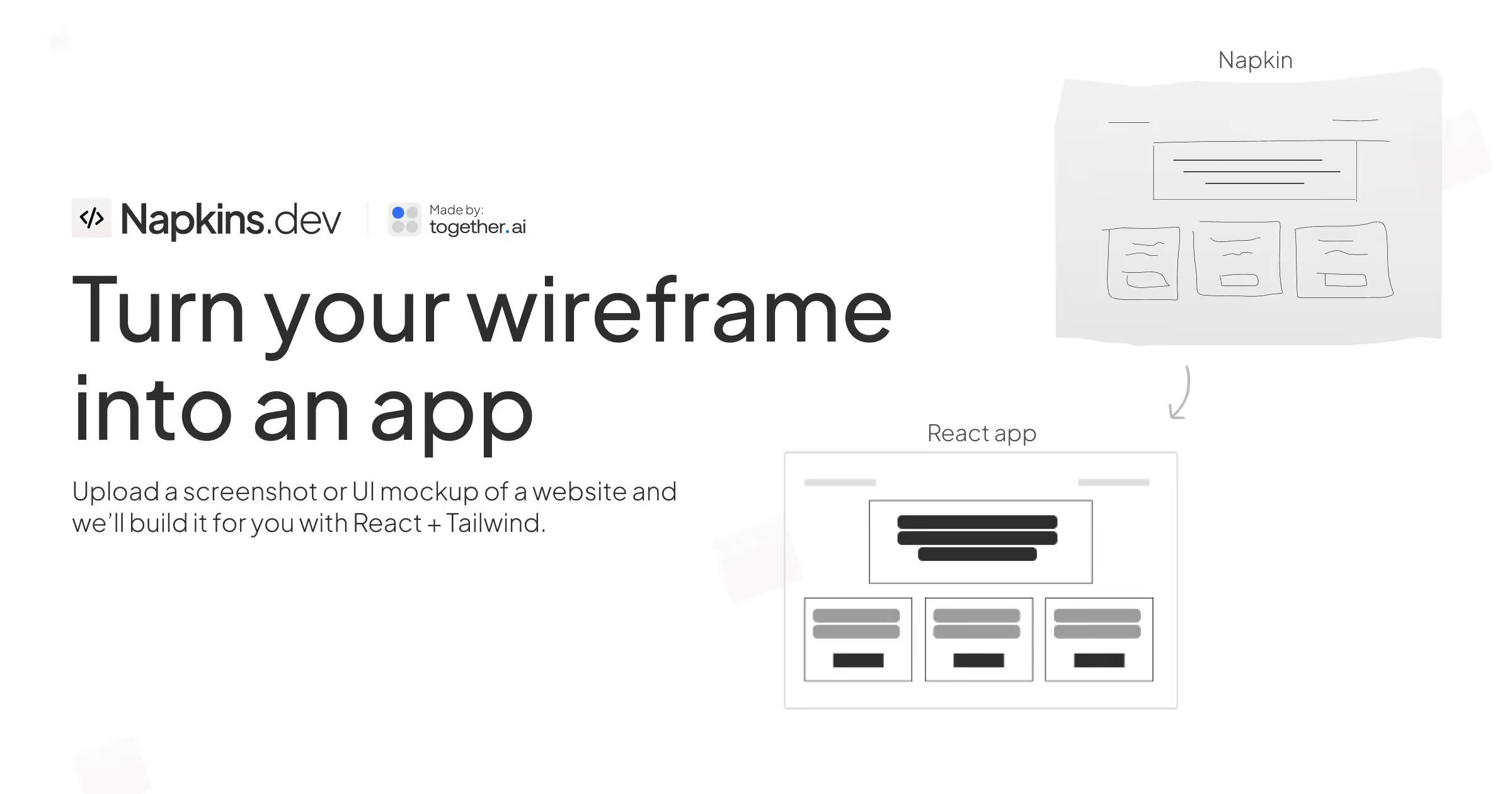

Napkins.dev


Retell AI


Exploding Topics